Your computer.
Yours again.
A fast, private desktop operating system. No telemetry, no ads, no accounts, no bloat — from dagr (day) and ric (ruler): your computer, your day, your rule.
Pro is a one-time $39 · 14-day, no-questions refund
Built on Debian 13 · KDE Plasma · GPG-signed releases · free updates

Windows 10 is done. Your PC isn't.
Microsoft ended Windows 10 support and left a perfectly good computer behind. Dagric OS brings it back — fast, private, secure, and yours. No new hardware, no subscription, no account — and the Migration Assistant brings your files and bookmarks over in one click.
Give your PC a second life — freePick a desktop. Your desktop.
Open Dagric Looks and reshape your desktop in one click — switch back anytime. Every layout keeps your apps, files, and settings. Then open Dagric Styles to set the mood: light or dark, any accent color, Dagric wallpapers, even glassy blur — four styles free, all seven on Pro. Mix any Look with any Style.
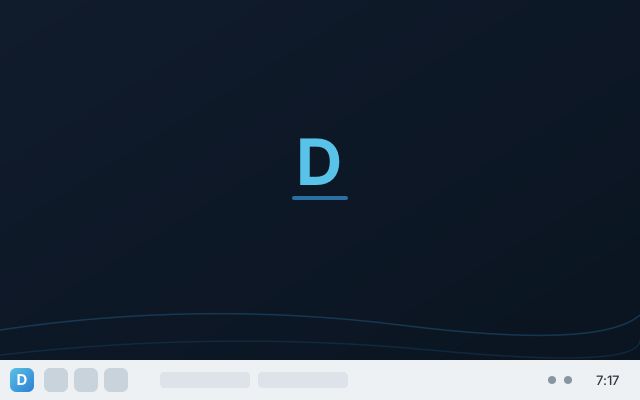
Classic
A taskbar at the bottom — familiar from day one.
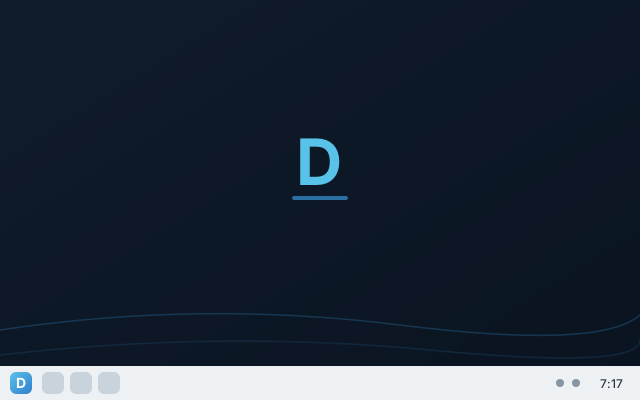
Focus
One tidy bar, nothing in your way.
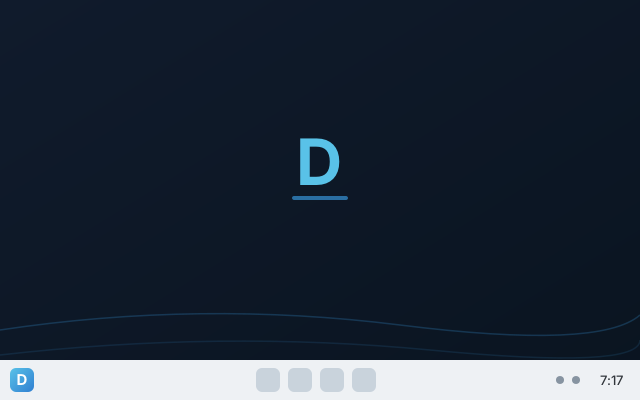
Eleven
A centered taskbar, clean and modern.
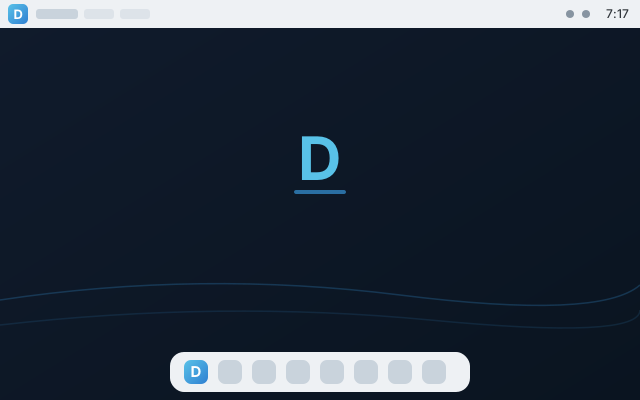
HorizonPRO
A menu bar up top with a dock below.
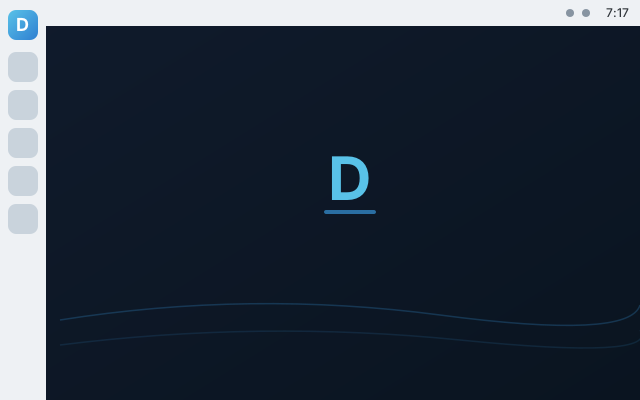
CommandPRO
A side dock for living in your apps.
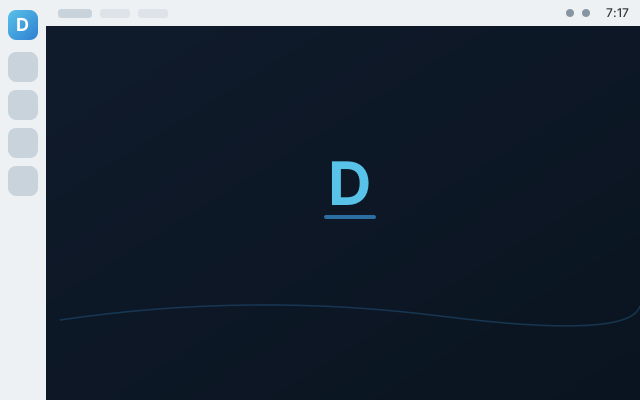
UnityPRO
A side dock with a global menu bar on top.
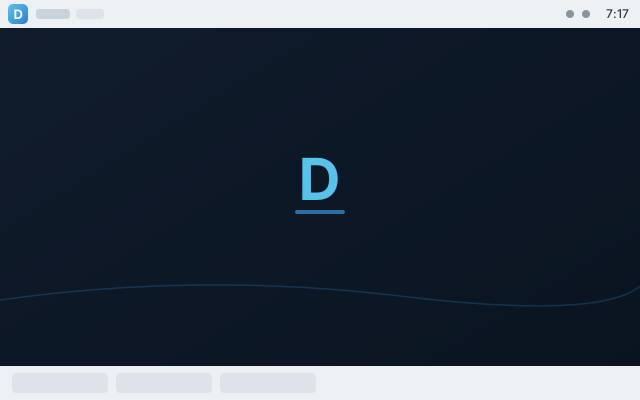
DuoPRO
Two panels, top and bottom, for power users.
Private by design. Secure by default.
Everything is on before you change a thing — and nothing phones home, ever.
Hardened out of the box
AppArmor confinement, a hardened kernel, and a firewall from first boot. Pro adds an opt-in application firewall and USB device controls.
Undo anything
Automatic snapshots before every update. If anything goes sideways, roll the whole system back from the boot menu.
Updates, your way
Security patches install silently. The computer never restarts itself — you reboot when it suits you.
The Dagric Hub
Drivers, security checkup, the layout switcher, the guide, and every owner tool — gathered in one friendly window.
Everything just works
Printers, scanners, Wi-Fi, Bluetooth, NTFS drives, Print-to-PDF, media codecs, streaming — working from the first minute.
For everyone
A talking screen reader you can boot straight from the USB stick, a measured high-contrast theme, and fingerprint login. The conformance report states the gaps as plainly as the features.
Bring your Windows apps.
Dagric runs Windows software in tidy, per-app containers with Bottles — and sets up Steam, Proton, and the Epic/GOG launcher in one click each, on both editions. Pro adds the runtime underneath: Wine, GameMode, MangoHud and 32-bit Vulkan, preinstalled and tuned.
Bottles
Windows apps in self-contained “bottles,” tuned per app for the best chance of working. One click to install.
Gaming, sorted
Steam with Proton, Heroic for Epic/GOG/Amazon and ProtonUp-Qt install in one click on any edition — consent-first, never bundled. GameMode, MangoHud and Lutris come preinstalled on Pro.
Your documents open
Office-metric fonts render your Word and Excel files with the right layout, and the full LibreOffice suite is preinstalled on Pro.
Why Dagric? Because it's finished.
Two honest questions, answered plainly.
Why not just stay on Windows?
Because your desktop stopped working for you — watching, advertising, nagging, restarting itself, renting back features you already owned. Dagric collects nothing, shows no ads, needs no account, and never reboots on its own. Same familiar taskbar; none of the noise.
Why pay when other Linux is free?
You don't have to — the free edition is a complete, private, hardened distro you can use forever. Pro is for people who'd rather not assemble and harden it themselves: one curated, tested product with the Hub, Looks, snapshot-rollback, signed releases, Windows-app support, and real human support. The tools are open source; the $39 buys the craftsmanship and the time. No disrespect to Mint, Ubuntu, or Zorin — Dagric is just a different trade.
Simple pricing. Own it outright.
No subscriptions. No license servers. Buy Pro once, install it on your own machines, keep it forever — updates included.
free forever
- The full private, hardened desktop
- Snapshot rollback & silent updates
- Dagric Looks — 3 layouts · 4 Styles
- Writer, Calc, Impress, Draw, Firefox & essentials
- Printers, scanners, codecs, streaming
- One-click Steam, Heroic, Bottles & Ollama
- Creative, video & audio studio
- Wine, GameMode & the tuned gaming runtime
- Developer toolchain (Docker, Git, SSH)
own it forever · free updates
- Everything in Dagric OS, plus:
- Creative studio: GIMP, Krita, Inkscape, Blender, Kdenlive, OBS, darktable
- Windows apps: Wine preinstalled, Bottles tuned
- All 7 Dagric Looks layouts · all 7 Styles
- Dev stack: Docker, Podman, Distrobox, Git, SSH
- Gaming runtime: GameMode, MangoHud, Lutris, 32-bit Vulkan
- Privacy toolkit: KeePassXC, Syncthing, Flatseal
- Opt-in security suite: app firewall + USB control
14-day, no-questions refund
Secure checkout by Stripe · The software is open source — you pay for curation, convenience, and support, not exclusivity.
Compare editions
| What you get | Free | Pro |
|---|---|---|
| Debloated Debian 13 + KDE Plasma, zero telemetry | ✓ | ✓ |
| Hardened security, firewall, silent updates, no forced reboots | ✓ | ✓ |
| Snapshot recovery (roll back from the boot menu) | ✓ | ✓ |
| Dagric Looks layouts · Styles | 3 · 4 | 7 · 7 |
| Office suite | Writer · Calc · Impress · Draw | Full LibreOffice + CJK |
| Creative, video & audio studio | — | ✓ |
| Windows apps (Bottles + Wine) | Bottles, one-click | Preinstalled + Wine, tuned |
| Gaming stack (Steam, Proton, Heroic) | Launchers, one-click | Preinstalled + GameMode, MangoHud, Lutris |
| Local AI (Ollama) | One-click | One-click |
| Developer toolchain (Docker, Podman, Distrobox, Git, SSH) | — | ✓ |
| Privacy toolkit (KeePassXC, Syncthing, Flatseal) | — | ✓ |
| Opt-in security suite: app firewall + USB device control | — | ✓ |
14-day, no-questions refund
Download Dagric OS
Write the ISO to a USB stick, boot it, try the live desktop, then install. UEFI & Secure Boot supported. New to this? The step-by-step guide takes you from download to desktop.
Verify your download
c25476d762104c6bbf5f37e2a651f64bd5f26a9c24b1295e84e7590ba2ef272a dagric-os-pro-1.0-amd64.iso
Releases are GPG-signed — download SHA256SUMS, SHA256SUMS.sig, and the signing key, then verify. Full instructions on the download page.
Questions, answered
Is Dagric OS really free?
Yes. The free edition is a complete, private, hardened desktop — free forever, no account. Pro adds the creative, gaming, developer, and Windows-app suites for a one-time $39.
Why pay $39 when other Linux is free?
You don't have to — the free edition is a real, complete distro. Pro is one curated, tested, supported product (the Hub, Looks, snapshot-rollback, signed releases, Windows-app support, human support) for people who'd rather not assemble and harden a general distro themselves. The tools are open source; the $39 buys the craftsmanship.
Will my Windows files and drives work?
Yes. NTFS and exFAT drives mount out of the box, your Office documents open with matching fonts, and Pro runs many Windows programs directly via Bottles and Wine.
Can I keep Windows and dual-boot?
Yes — choose Install alongside in the installer and pick how much space each system gets. You choose which to boot at startup.
Is it a subscription?
No. Pro is a one-time purchase — no license servers, no activation. You own your copy outright, with free updates.
What if I buy Pro and don't like it?
Reply to your receipt within 14 days and we refund in full — no quiz, no hoops. Details in the terms & refunds.
Is the software open source?
Yes — built from open-source software on a Debian base, and every release is GPG-signed and checksummed so you can verify it. Proprietary extras like Steam or the NVIDIA driver are never bundled; they install only when you ask.